Blog
QuickBooks Desktop API and integration guides
Practical guides for developers connecting to QuickBooks Desktop and QuickBooks Enterprise: the API and SDKs, the Web Connector, syncing data, and connecting AI tools.

AI tools and MCP
Connect Claude, ChatGPT, Cursor, and other AI tools to QuickBooks Desktop through Conductor’s MCP server.

QuickBooks Desktop MCP Server: What Exists in 2026 (Claude, ChatGPT, Cursor, Codex)
Compare the MCP servers that connect QuickBooks Desktop and QuickBooks Enterprise to Claude, ChatGPT, Cursor, and Codex, with where each runs and what it costs. Published by Conductor, which sells one of them.

How to connect QuickBooks Desktop to Microsoft Copilot Studio (MCP server setup)
Give a Microsoft Copilot Studio agent read and write access to QuickBooks Desktop or QuickBooks Enterprise by adding https://mcp.conductor.is/mcp as an MCP tool that sends a Conductor API key in an Authorization header, then testing it in the Test your agent panel.

How to connect QuickBooks Desktop to Cursor (MCP server setup)
Give Cursor's agent access to QuickBooks Desktop or QuickBooks Enterprise with one ~/.cursor/mcp.json entry and a Conductor sign-in, plus the read-only entry and fixes for common errors.

How to connect QuickBooks Desktop to Claude (MCP server setup)
Add Conductor as a custom connector in claude.ai or Claude Desktop so Claude can read and write QuickBooks Desktop and QuickBooks Enterprise company files. The guide also covers Claude Free's one-connector limit and how a Team or Enterprise Owner adds the connector for everyone.

How to connect QuickBooks Desktop to Claude Code (MCP server setup)
Add Conductor's MCP server to Claude Code with one claude mcp add command and a browser sign-in, so Claude Code can read and write QuickBooks Desktop and QuickBooks Enterprise company files from the terminal. The guide also covers the read-only command and the API key header for SSH sessions and containers.

How to connect QuickBooks Desktop to ChatGPT (MCP server setup)
Add Conductor's MCP server to ChatGPT as the Conductor QuickBooks plugin so ChatGPT can read and write QuickBooks Desktop and QuickBooks Enterprise company files, with a separate read-only plugin for your accountant.

How to connect QuickBooks Desktop to VS Code (MCP server setup)
Add one entry to VS Code's Copilot Global MCP config and sign in to Conductor from the chat, so the chat in VS Code can read and write QuickBooks Desktop or QuickBooks Enterprise company files, with a read-only URL for trials and accountants.

How to connect QuickBooks Desktop to Codex CLI (MCP server setup)
Run one codex mcp add command so Codex CLI can read and write QuickBooks Desktop and QuickBooks Enterprise company files through Conductor's MCP server. The guide also covers the browser sign-in, the bearer-token setup for machines without a browser, read-only mode, and the errors a Codex setup can hit.

How to connect QuickBooks Desktop to Claude Cowork (MCP server setup)
Add Conductor as a custom connector so Claude Cowork tasks can read and write QuickBooks Desktop and QuickBooks Enterprise company files. The guide also covers the Owner setting that lets Team and Enterprise members skip per-task approvals, and a read-only URL for your accountant.
API and SDKs
How the QuickBooks Desktop API works, and how to call it over REST or from Node.js and Python.

Conductor vs. Apideck for QuickBooks Desktop: API Depth, Coverage, Pricing, and Tradeoffs
A verifiable comparison of Conductor and Apideck for QuickBooks Desktop and Enterprise: endpoint and field coverage, sync architecture, measured latency, error handling, pricing, and when to choose each.
QuickBooks Desktop Reporting API for Dashboards
Learn how to use the QuickBooks Desktop or QuickBooks Enterprise reporting API for dashboards, BI pipelines, Power BI, and Tableau.
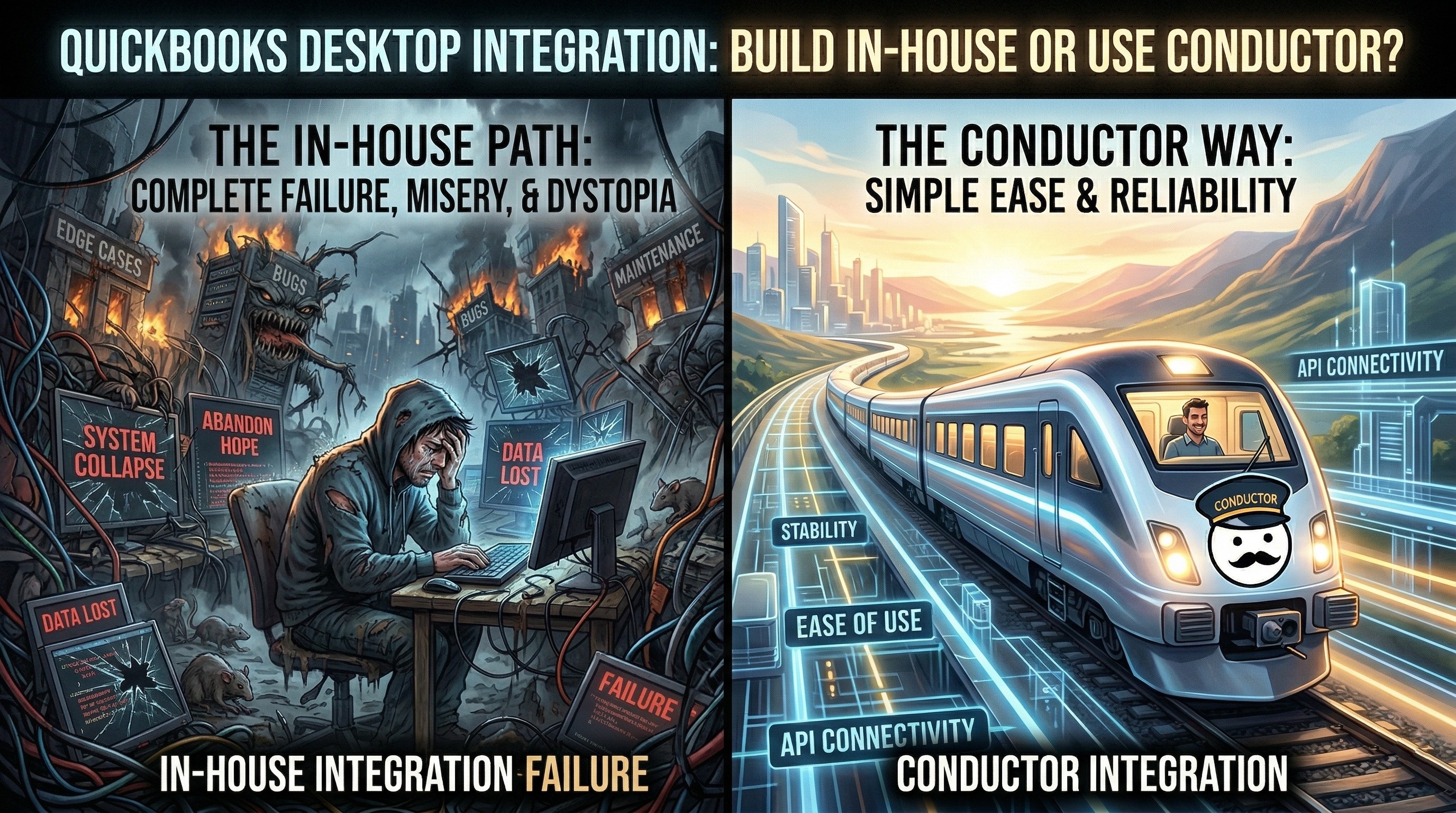
Why Building a QuickBooks Desktop Integration In-House Gets Expensive
Compare building a QuickBooks Desktop or Enterprise integration in-house versus using Conductor, including Web Connector, qbXML, session, and support overhead.
QuickBooks Desktop Python API
Learn how to use QuickBooks Desktop or QuickBooks Enterprise from Python with Conductor, including setup, health checks, invoice sync, and reports.
QuickBooks Desktop Node.js API for JavaScript and TypeScript
Learn how to use QuickBooks Desktop or QuickBooks Enterprise from Node.js with Conductor, including setup, health checks, invoices, and reports.
QuickBooks Desktop REST API
Learn whether QuickBooks Desktop has a REST API and how to use Conductor's REST API with cURL, Postman, and OpenAPI.
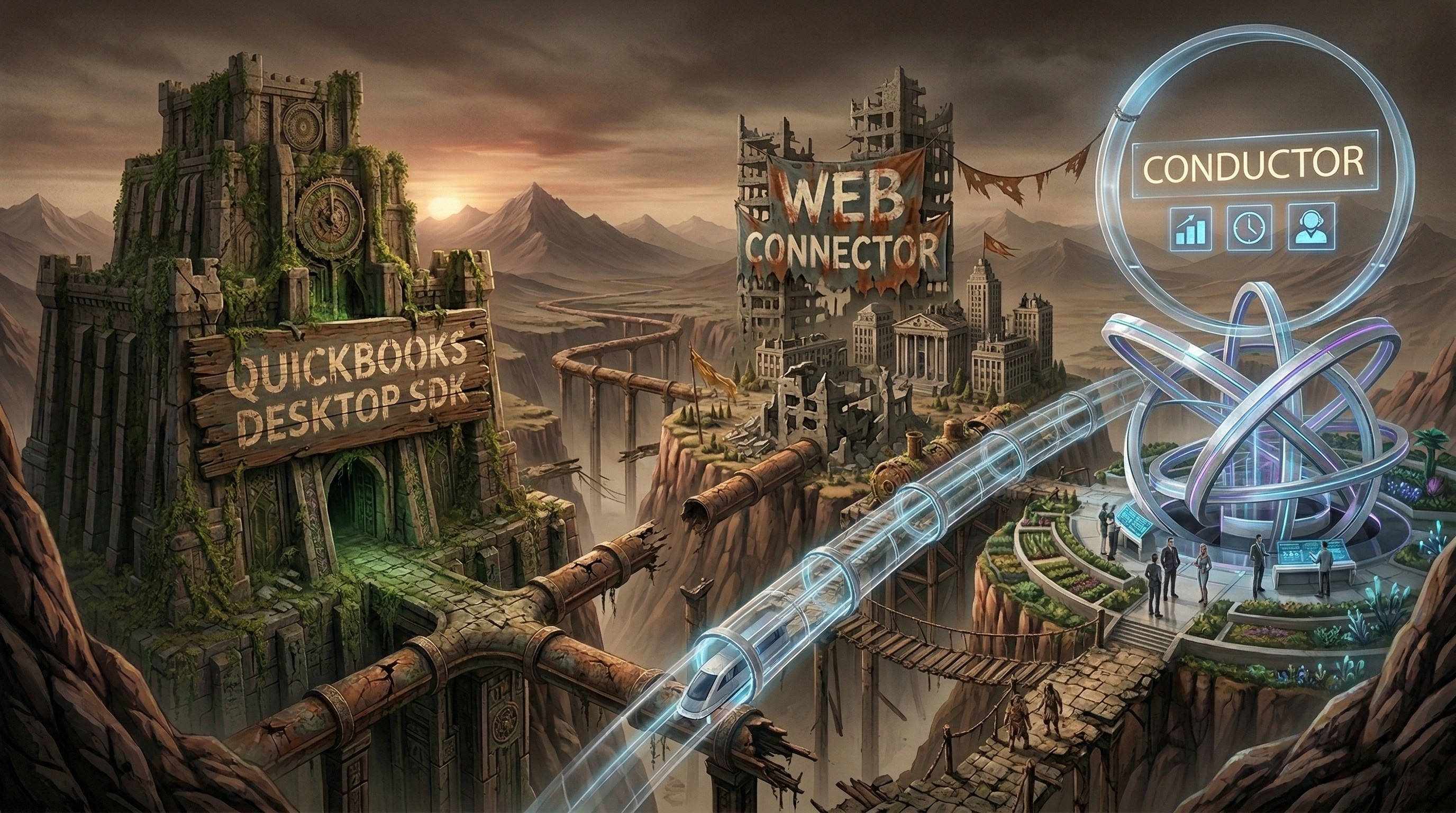
QuickBooks Desktop SDK vs Web Connector vs qbXML
Learn how the QuickBooks Desktop SDK, QuickBooks Web Connector, and qbXML fit together in QuickBooks Desktop and Enterprise integrations.
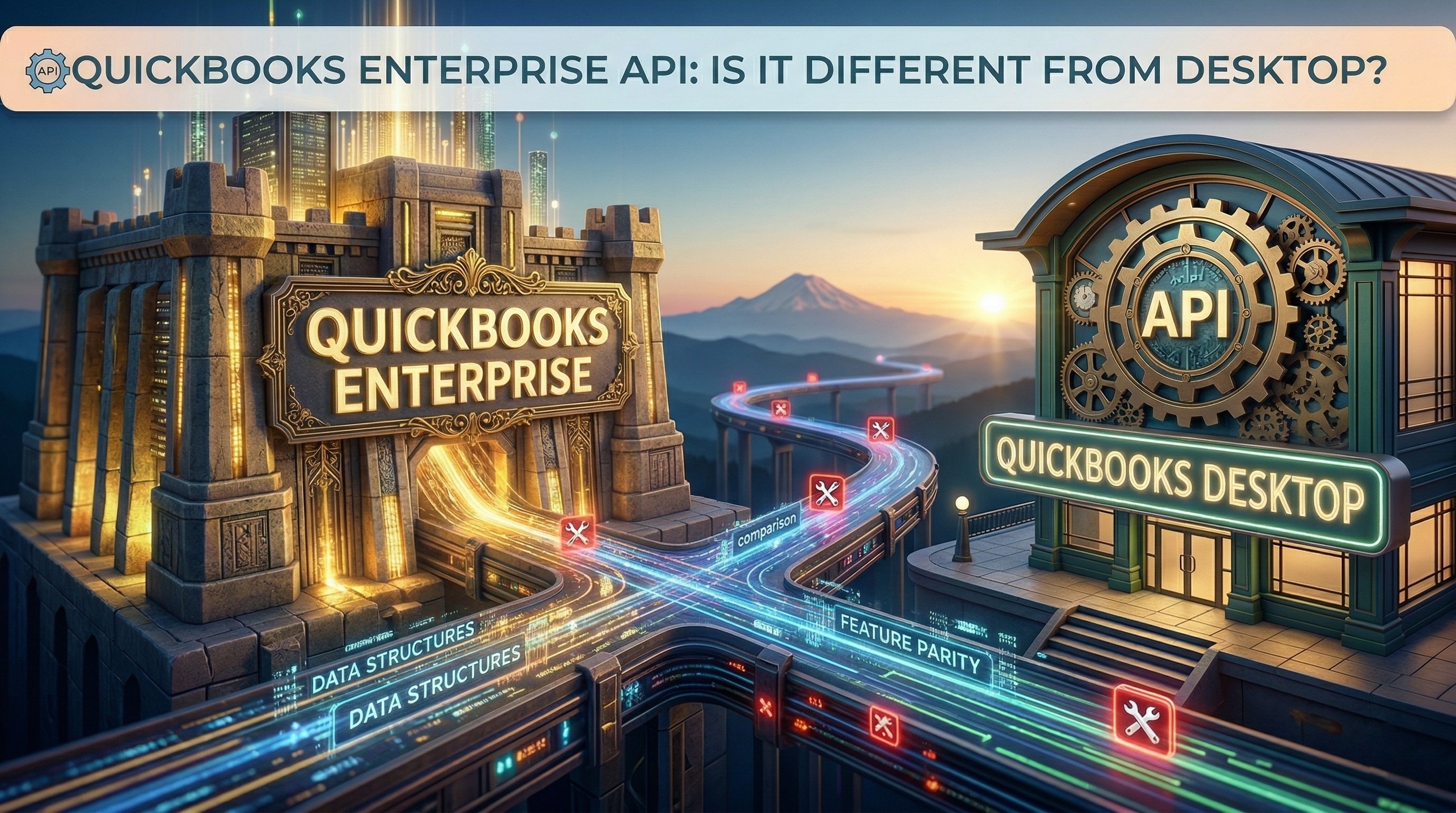
QuickBooks Enterprise API: Is It Different from QuickBooks Desktop?
Learn whether the QuickBooks Enterprise API is actually different from QuickBooks Desktop and how the Desktop SDK, qbXML, and Web Connector fit together.
QuickBooks Desktop API in 2026: SDK, Web Connector, and qbXML
Understand the QuickBooks Desktop and Enterprise API landscape in 2026, including the SDK, Web Connector, qbXML, and modern API options.
Web Connector
Set up the QuickBooks Web Connector, import QWC files, and fix common errors.
How to Open or Import a QWC File for QuickBooks Web Connector
Learn how to open or import a QWC file into QuickBooks Web Connector in QuickBooks Desktop or Enterprise, and what to do if it fails.
QuickBooks Web Connector Errors: Common QBWC Fixes
Fix common QuickBooks Web Connector errors in QuickBooks Desktop or Enterprise, including QBWC1085, Connection not active, and Cannot connect to QuickBooks.
QuickBooks Web Connector Guide: QWC File, Setup, and QBWC Errors
Learn how QuickBooks Web Connector works, how to import a QWC file, and how to fix common QBWC errors in QuickBooks Desktop or Enterprise.
Data sync and BI
Sync and export QuickBooks Desktop data to databases, Salesforce, Tableau, and Power BI.
QuickBooks Desktop Tableau Integration
Learn the best QuickBooks Desktop or QuickBooks Enterprise to Tableau architecture, including reporting layers, Tableau extracts, and custom SQL.
QuickBooks Desktop SQL Server Integration
Learn the best QuickBooks Desktop or QuickBooks Enterprise to SQL Server architecture for reporting, BI, and downstream data pipelines.
QuickBooks Desktop Postgres Integration
Learn the best QuickBooks Desktop or QuickBooks Enterprise to Postgres architecture for ETL, reporting, and application data pipelines.

QuickBooks Desktop Power BI Integration
Learn the best QuickBooks Desktop or QuickBooks Enterprise to Power BI architecture, including reporting-layer modeling, refresh strategy, and where Conductor fits.
How to Sync QuickBooks Desktop with Salesforce
Learn how to sync QuickBooks Desktop or QuickBooks Enterprise with Salesforce using Conductor on the QuickBooks side and Salesforce's REST, Composite, and Bulk APIs on the CRM side.
QuickBooks Desktop Salesforce Integration
Learn how to integrate QuickBooks Desktop or QuickBooks Enterprise with Salesforce, what data to sync, which APIs to use, and why Conductor is the fastest way to ship it.
How to Export QuickBooks Desktop Bills via API
Learn how to export QuickBooks Desktop or QuickBooks Enterprise bills via API with incremental sync, vendor joins, and downstream upserts.
How to Export QuickBooks Desktop Invoices via API
Learn how to export QuickBooks Desktop or QuickBooks Enterprise invoices via API with incremental sync, durable IDs, and downstream upserts.
How to Sync Data with QuickBooks Desktop and QuickBooks Enterprise
Learn how to sync data with QuickBooks Desktop and QuickBooks Enterprise, including connection setup, object mapping, health checks, and reliable sync UX.