Why Building a QuickBooks Desktop Integration In-House Gets Expensive
Compare building a QuickBooks Desktop or Enterprise integration in-house versus using Conductor, including Web Connector, qbXML, session, and support overhead.
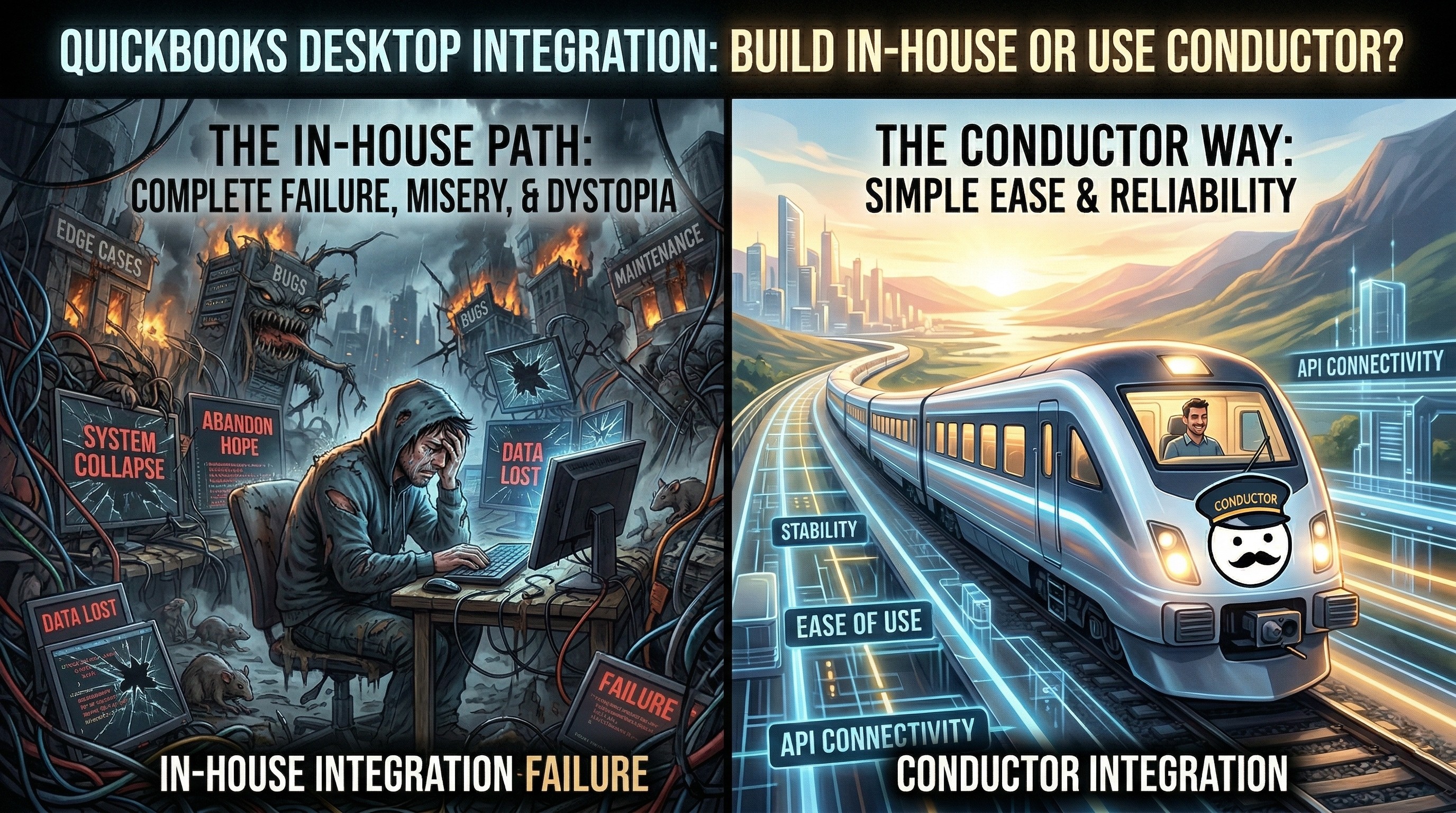
Many teams start with a simple assumption:
"QuickBooks Desktop has an API, so we should be able to integrate with it ourselves."
That assumption is understandable, but incomplete.
Yes, QuickBooks Desktop does have an integration stack. But if your app is cloud-based and your customer runs QuickBooks Desktop or QuickBooks Enterprise on Windows, you are not just calling a modern API. You are usually taking on a much older stack made up of:
the QuickBooks Desktop SDK
qbXML
QuickBooks Web Connector
SOAP callbacks
Windows machine state
company-file state
support workflows around all of the above
That is why the real question is usually not:
"Can we build this?"
It is:
"Do we want to own this for years?"
Quick answers
Can a SaaS team build a QuickBooks Desktop integration in-house? Yes.
Is QuickBooks Enterprise a separate integration surface? No.
What gets underestimated most often? Web Connector transport, session handling, qbXML, and ongoing support.
When does Conductor help most? When you want a modern API experience without owning the legacy transport and support layer yourself.
The short version
Here is the blunt answer:
QuickBooks Enterprise does not have a separate modern API from QuickBooks Desktop.
There is no native QuickBooks Desktop REST API in the normal SaaS sense.
Internet-facing integrations usually depend on QuickBooks Web Connector.
The native request format is still qbXML.
If you build directly, you are not just implementing accounting endpoints. You are building transport, session, XML, and support infrastructure.
It also helps to be honest about the age of the stack.
QuickBooks was first introduced in April 1992, and Intuit's current Desktop SDK still supports QuickBooks Desktop 2002 and later. That kind of backward compatibility is useful for customers, but it also means integrations inherit a lot of legacy behavior and edge cases from a very old ecosystem.
At Conductor, even after syncing data for more than 1,500 businesses over four years (in production since September 2022), we still encounter undocumented issues in real company files. That is not because the integration is poorly understood. It is because QuickBooks Desktop still behaves like a long-lived desktop system with decades of accumulated assumptions behind it.
What you actually have to build
This is the part many teams underestimate.
1. You have to turn a polling model into an API experience
QuickBooks Web Connector polls your service. Your app does not just call QuickBooks Desktop directly.
That means if you want your own product to feel like it has a normal request and response API, you need a middle layer that can:
accept a request from your app
store it durably
wait for the next Web Connector poll
hand the work to QuickBooks
return the response to the original caller
time out cleanly when the machine never responds
That is not business logic. That is transport infrastructure.
2. You have to manage QuickBooks sessions correctly
QuickBooks Desktop integrations are session-sensitive in ways cloud API developers often do not expect.
For example:
some paginated flows depend on the same session remaining alive
follow-up requests are faster when the prior QuickBooks session is still warm
retries can behave differently depending on whether the request already reached QuickBooks
If you build directly, you need to own that session lifecycle yourself.
3. You have to make a legacy XML stack usable
The native stack is not JSON-first. It is qbXML.
That means dealing with:
XML request construction
schema-defined ordering
QuickBooks-specific attributes and wrappers
validation and parsing
error messages that often point to the XML layer instead of the original business input
The issue is not just that it is XML. The issue is that it is XML from an older ecosystem with older assumptions.
4. You have to normalize several different kinds of errors
There is not one clean error model.
In practice, you may have to reconcile:
your own app validation errors
XML syntax or validation errors
Web Connector connection failures
qbXML
statusCodeandstatusMessageerrorstimeouts
session problems
missing or unhelpful QuickBooks messages
That becomes both an engineering problem and a product problem, because your users still need to understand what happened and how to fix it.
5. You have to support real-world QuickBooks environments, not just the docs
The official docs matter, but production environments introduce their own complexity:
the wrong company file is open
a modal dialog blocks QuickBooks
permissions were reset by a restore, migration, or update
the Web Connector password is wrong
hosted QuickBooks environments behave differently
multiple company files exist on one machine
Even if you know the SDK well, those support realities do not go away.
6. Your engineers can turn into accidental IT support
This is one of the least obvious costs, and one of the most expensive.
If you build the integration in-house, your engineers often do not just debug API calls. They end up helping accountants and operations staff at small businesses troubleshoot Windows and QuickBooks environments over email, screen share, and phone calls.
In practice, that can mean debugging things like:
Windows permission mismatches, such as QuickBooks and Web Connector not running at the same privilege level
QuickBooks Web Connector not launching at startup
broken or stale Web Connector log files
incorrect Web Connector passwords
multiple QuickBooks Desktop versions installed on the same machine
QuickBooks installation or COM-registration problems
hosted-environment quirks, including setups like Rightworks
That is not a rare edge case. It is a recurring part of supporting a real QuickBooks Desktop integration.
Why this becomes expensive
The cost is not just implementation time.
The cost shows up in:
slower feature delivery while your team builds infrastructure instead of product logic
support tickets caused by vague QuickBooks and Web Connector failures
engineering time spent on diagnostics, retries, and special-case handling
engineers spending time acting like remote Windows and QuickBooks support for end-users
pressure to explain old accounting-system behavior to end-users who just wanted your app to work
That is why many teams can build a demo, but far fewer teams build a supportable product integration.
What Conductor abstracts away
Conductor does not magically change what QuickBooks Desktop is.
Your customer can still have:
the wrong company file open
a blocking modal in QuickBooks
a damaged company file
a hosted environment with its own constraints
Those are QuickBooks Desktop realities.
What Conductor removes is the large layer of engineering work and support burden around them. Conductor gives you:
a REST API and typed SDKs instead of exposing qbXML directly to your app
an auth flow and QWC installation workflow
request orchestration around Web Connector's polling model
session handling that makes follow-up work feel much closer to a normal API
clearer, user-facing errors instead of forcing your team to map raw QuickBooks behavior into support language
health checks and diagnostics built around actual QuickBooks Desktop behavior
a growing body of help guides and resolution instructions for common connection and machine-state failures
That support surface is not theoretical. Conductor already has specific guides and resolution paths for issues like run-as-administrator mismatches, Web Connector startup failures, inactive connections, multiple QuickBooks versions installed, and Rightworks environments.
For most SaaS teams, that is the real build-vs-buy decision. It is not just whether you can technically reach QuickBooks Desktop. It is whether you want your own engineers to own that support and infrastructure layer year after year, or whether you want to use Conductor and stay focused on your product.
That means your team can stay focused on the accounting features your customers care about, rather than becoming maintainers of legacy integration plumbing.
Build directly vs. use Conductor
Concern | Build directly on the native stack | Use Conductor |
|---|---|---|
Transport model | You own SOAP and the polling bridge | Conductor exposes REST and SDKs |
Request lifecycle | You build queueing, waiting, and timeout behavior | Conductor already handles the orchestration |
Session handling | You manage session reuse and pagination behavior | Conductor abstracts the session layer |
qbXML | You build request generation, validation, and parsing | Conductor keeps qbXML out of your app code |
Errors | You normalize multiple error surfaces yourself | Conductor returns clearer supportable errors |
User setup | You own QWC distribution and setup UX | Conductor provides a real auth and connection flow |
Ongoing support | Your team debugs legacy QuickBooks behavior | Conductor reduces how much of that burden lands on your team |
When building directly still makes sense
There are cases where building directly is reasonable.
For example:
you need very low-level control
your team already has deep Windows and QuickBooks Desktop experience
you are comfortable owning SOAP, qbXML, and support workflows long term
the integration is strategic enough that you want to own every layer
But even in those cases, it is worth being honest about the maintenance burden you are signing up for.
Frequently asked questions
Can we build the integration ourselves?
Yes. The question is whether you want to own the transport, session, XML, support, and long-tail environment issues for years after the first demo works.
Does QuickBooks Enterprise have a separate API?
No. QuickBooks Enterprise still uses the broader QuickBooks Desktop stack built around the Desktop SDK, qbXML, and usually Web Connector.
Why does Web Connector create so much support work?
Because the integration depends on a Windows machine, an open company file, QuickBooks prompts, permissions, and polling behavior that are all outside your normal app stack.
Bottom line
If your goal is simply to prove that a QuickBooks Desktop or QuickBooks Enterprise integration is possible, then yes, building directly is possible.
If your goal is to ship and support a reliable product integration, the bar is much higher.
That is where teams usually realize the real work is not "the QuickBooks API." The real work is everything around it: Web Connector, qbXML, sessions, transport, error handling, and support.