QuickBooks Desktop SDK vs Web Connector vs qbXML
Learn how the QuickBooks Desktop SDK, QuickBooks Web Connector, and qbXML fit together in QuickBooks Desktop and Enterprise integrations.
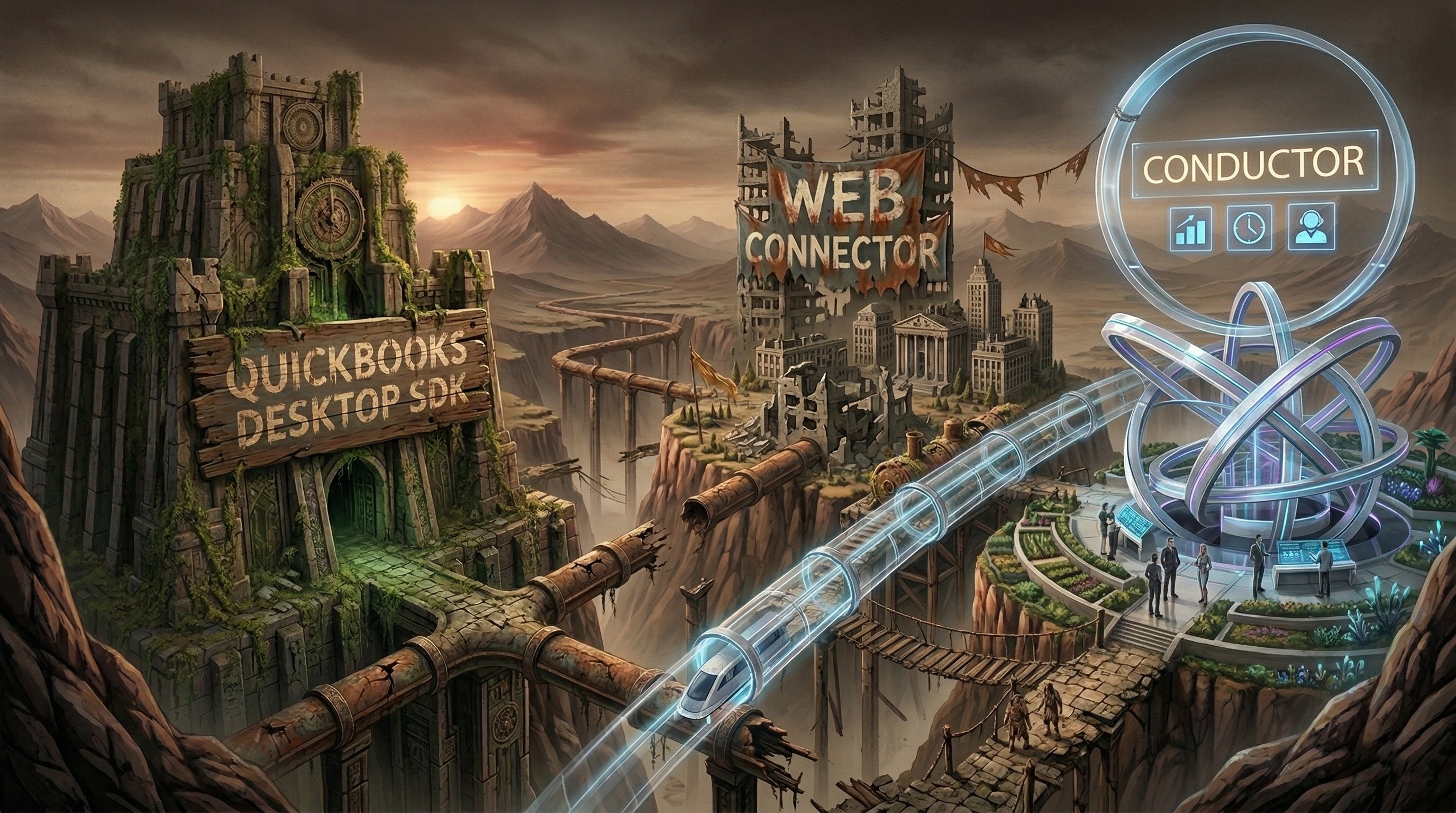
If you are researching QuickBooks Desktop integrations, you will keep seeing the same three terms:
QuickBooks Desktop SDKQuickBooks Web ConnectorqbXML
They are related, but they are not the same thing.
This is one of the main reasons developers get confused when they search for QuickBooks Desktop API or QuickBooks Enterprise API.
Quick answers
What is the QuickBooks Desktop SDK? Intuit's developer toolkit for QuickBooks Desktop.
What is QuickBooks Web Connector? The Windows bridge that lets a web service communicate with QuickBooks Desktop.
What is qbXML? The XML request and response format used by the native QuickBooks Desktop stack.
Are these three different APIs? No. They are different parts of the same legacy integration model.
The short version
Here is the simplest way to think about it:
Term | Role |
|---|---|
QuickBooks Desktop SDK | The developer toolkit and official integration surface |
QuickBooks Web Connector | The Windows program that bridges web services into QuickBooks Desktop |
qbXML | The request and response language used by the stack |
So when someone says:
"We need to use the QuickBooks Desktop API"
what they often mean in practice is:
"We need to deal with some combination of the Desktop SDK, Web Connector, and qbXML."
What the QuickBooks Desktop SDK is
The QuickBooks Desktop SDK is Intuit's native toolkit for integrating with QuickBooks Desktop.
It is where you find:
the API reference
request and response documentation
developer guidance
legacy technical references for the Desktop integration model
Useful official references:
What QuickBooks Web Connector is
The QuickBooks Web Connector is the Windows application that helps a web service exchange data with QuickBooks Desktop.
It matters most for cloud-based integrations, because QuickBooks Desktop itself is not a cloud app. Web Connector helps bridge that gap by polling a remote service and passing requests into QuickBooks Desktop.
That is why Web Connector comes up so often in SaaS integration discussions.
What qbXML is
qbXML is the XML request and response format used in the native QuickBooks Desktop stack.
If you are working directly with QuickBooks Desktop integration internals, qbXML is often the language underneath the requests you are sending and the responses you are receiving.
That matters because qbXML is not just a serialization detail. It affects:
request construction
field ordering
parsing
validation
error handling
day-to-day developer ergonomics
How these pieces fit together
The easiest way to think about the relationship is:
the SDK is the overall integration toolkit and reference surface
Web Connector is the runtime bridge for many cloud integrations
qbXML is the request and response format moving through that stack
They are not three competing products. They are three parts of the same broader QuickBooks Desktop integration model.
Why developers get confused
Developers coming from modern SaaS APIs expect a simpler stack:
a REST API
JSON payloads
OAuth
normal request and response patterns
QuickBooks Desktop does not work like that natively.
Instead, teams have to understand:
the Desktop SDK
qbXML
Web Connector polling
Windows-machine state
company-file state
That is why search results and community threads keep mixing these terms together.
Does QuickBooks Enterprise change this?
Not fundamentally.
QuickBooks Enterprise is still part of the same broader Desktop integration model. It does not introduce a totally separate modern API. In practice, the same core terms still matter:
Desktop SDK
Web Connector
qbXML
That is why QuickBooks Enterprise API searches often lead back to the same technical stack.
What this means for teams building integrations
If you build directly on the native stack, you have to care about all three layers.
If you use a modern abstraction layer, your team can usually stay focused on:
JSON
typed SDKs
connection status
business objects
application logic
without pushing the raw Desktop terminology into your whole codebase.
Where Conductor fits
Conductor does not replace the existence of the Desktop SDK, Web Connector, or qbXML underneath QuickBooks Desktop.
What it does is keep your application from having to operate directly at that layer.
That means your app code can work with:
REST endpoints
typed Node.js and Python SDKs
JSON requests and responses
user-facing errors
practical health checks and auth flows
instead of exposing raw Web Connector and qbXML mechanics to your developers and users.
If you are specifically trying to answer the Enterprise question, read Does QuickBooks Enterprise Have a Different API?.
If you are mainly trying to understand setup and troubleshooting, read QuickBooks Web Connector Guide.
Frequently asked questions
Is the QuickBooks Desktop SDK the same thing as Web Connector?
No. The SDK is the broader toolkit and reference surface. Web Connector is the Windows bridge used by many cloud-style integrations.
Is qbXML the same thing as the QuickBooks Desktop SDK?
No. qbXML is the request and response format used within the broader Desktop integration stack.
Do I need Web Connector if I am building a cloud integration?
Usually yes. For Internet-facing integrations, Web Connector is commonly the bridge between your service and the Windows-hosted QuickBooks Desktop environment.
Are these terms relevant for QuickBooks Enterprise too?
Yes. QuickBooks Enterprise still uses the same broader Desktop integration model.
Bottom line
If you are confused by the QuickBooks Desktop stack, the important point is this:
the SDK is the toolkit
Web Connector is the bridge
qbXML is the language
Understanding that split makes the rest of the QuickBooks Desktop integration story much easier to reason about.