QuickBooks Desktop API in 2026: SDK, Web Connector, and qbXML
Understand the QuickBooks Desktop and Enterprise API landscape in 2026, including the SDK, Web Connector, qbXML, and modern API options.
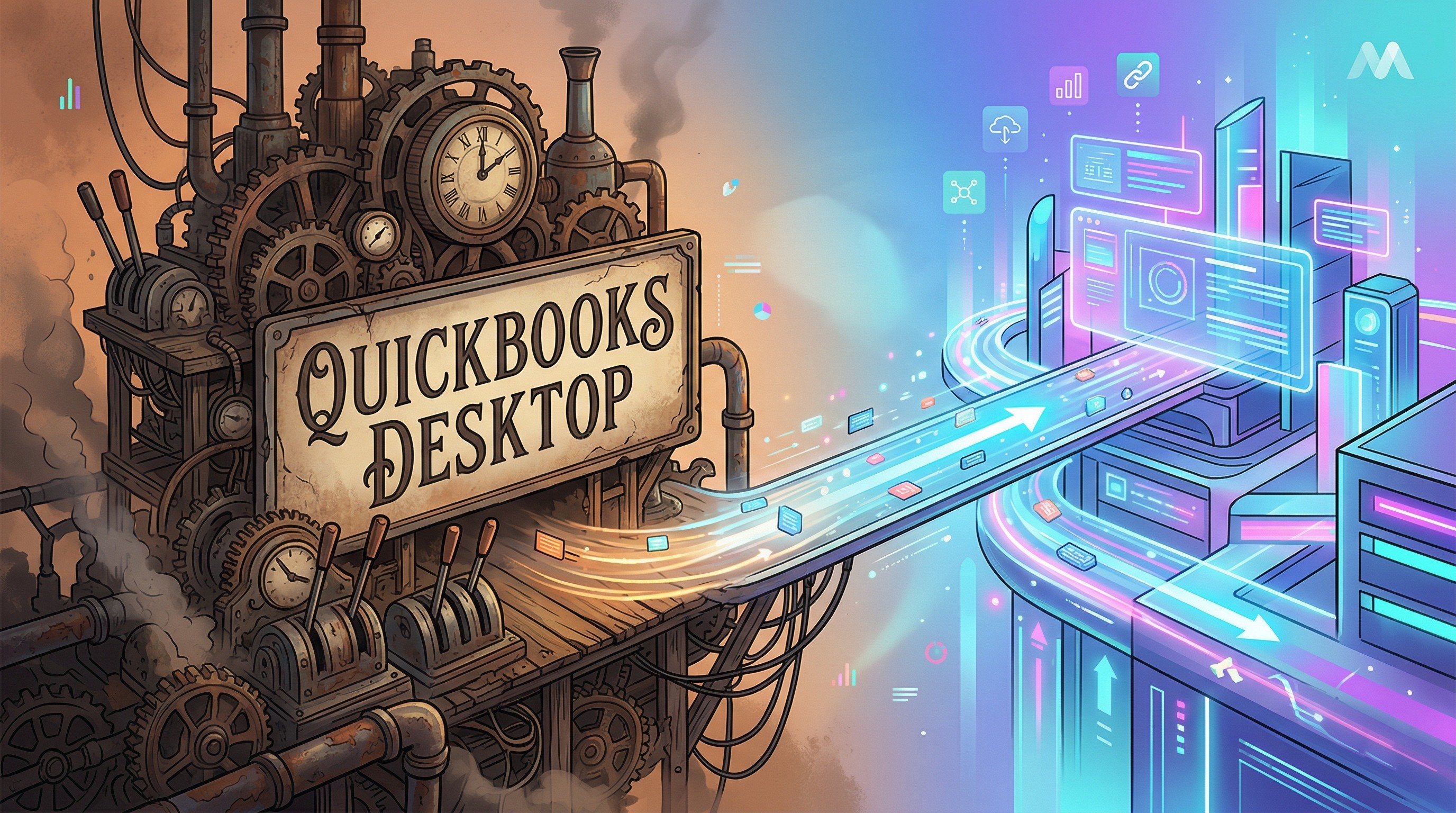
QuickBooks Desktop is still a real integration requirement in 2026. If you sell into operations-heavy SMBs, especially construction, manufacturing, field services, nonprofits, logistics, and professional services, you will keep running into customers that are still anchored to Desktop.
QuickBooks Enterprise is not a separate platform here. It is the flagship QuickBooks Desktop SKU, and it still matters commercially. Intuit reported Desktop Ecosystem revenue of $2.775B in fiscal year 2025, up 5% year over year.
The problem is that "QuickBooks Desktop API" still does not feel like a modern SaaS API. In practice, you are dealing with a Windows application, a local company file, qbXML, the QuickBooks SDK, and often the QuickBooks Web Connector. If your team is used to Stripe, Shopify, or cloud ERP APIs, the architecture feels old immediately.
This guide explains what the native stack actually looks like, what a modern integration layer should abstract, and how to work with QuickBooks Desktop through Conductor without building your app around SOAP and qbXML.
Quick answers
Does QuickBooks Desktop have a native REST API? No. The native stack still revolves around the Desktop SDK, qbXML, and usually QuickBooks Web Connector.
Is QuickBooks Enterprise a different API? No. Enterprise is still part of the broader QuickBooks Desktop integration model.
Do cloud apps usually need QuickBooks Web Connector? Usually yes, if they need to communicate with a customer's Windows-hosted company file over the Internet.
What do teams underestimate most? The session model, polling model, qbXML handling, and the amount of connection and support work around them.
If you are researching a specific part of the stack
If you are mainly trying to understand
QBWC,QWC files, or setup and error behavior, read QuickBooks Web Connector Guide.If you are trying to understand whether Enterprise is a separate integration surface, read QuickBooks Enterprise API: Is It Different from QuickBooks Desktop?.
If the terminology is the confusing part, read QuickBooks Desktop SDK vs Web Connector vs qbXML.
If you are trying to ship a sync flow, read How to Sync Data with QuickBooks Desktop and QuickBooks Enterprise.
What the QuickBooks Desktop API usually means
When developers say "QuickBooks Desktop API," they are usually talking about one of two legacy paths:
The native QuickBooks Desktop SDK on Windows, where you exchange qbXML with QuickBooks locally.
A SOAP service for the QuickBooks Web Connector (QBWC), where the connector polls your endpoint and ferries qbXML back and forth.
Both approaches work. Both are also awkward by modern standards.
The hard parts are not just syntax. They are architectural:
QuickBooks Desktop is tied to a specific Windows machine and a specific company file.
Requests are processed serially, so you need to think in terms of sync flows and queueing, not unlimited parallel throughput.
The native request and response format is qbXML, not JSON.
The Web Connector is polling-based, stateful, and sensitive to machine state, open company files, and permission prompts.
Errors can come from several layers, including QuickBooks itself, the request processor, and Web Connector, each with its own codes and quirks.
If you build directly on that stack, you end up owning XML translation, session handling, retry behavior, timeout logic, pagination mechanics, and a lot of user support around Windows setup.
Why QuickBooks Web Connector still matters
For Internet-facing integrations, the QuickBooks Web Connector is still the key bridge. It runs on the Windows machine where QuickBooks Desktop lives and polls for work. That polling loop is what makes remote access to an on-prem company file possible.
That detail matters for product design:
Your app does not talk directly into QuickBooks over a normal always-on cloud connection.
A heartbeat is helpful, but it is not the same thing as a real end-to-end readiness check.
The most reliable setup is usually the always-on Windows machine or hosted Windows instance that already owns the company file.
Conductor intentionally builds on the built-in Web Connector path rather than requiring a separate custom Windows agent. That matters for customers using hosted Desktop providers, including Rightworks, where installing extra third-party software can be painful or impossible.
Tip: If you need to know whether a connection is actually ready to process a real request, use the health check endpoint, not just a connector heartbeat.
What a modern QuickBooks Desktop integration should abstract
If you are evaluating whether to build this stack yourself or use a modern abstraction layer, this is the practical checklist.
A good modern QuickBooks Desktop API should give you:
JSON requests and responses instead of qbXML payloads in your app code
Typed SDKs with autocomplete and documented request parameters
Real-time access to the live company file, not a cache that drifts from reality
Unified error objects with developer-facing detail and end-user-facing resolution steps
Pagination, retries, validation, and request/session orchestration handled for you
A guided auth flow so your users can connect QuickBooks Desktop without you building a custom Web Connector setup UI
Conductor does exactly that. Your app makes normal API calls in Node.js, Python, or REST. Conductor translates those requests to QuickBooks Desktop behind the scenes, coordinates with Web Connector on the end-user's machine, and returns normalized JSON responses.
Example: check the connection, inspect the company file, and fetch recent invoices
Before you write data into QuickBooks Desktop, a good first step is to verify the connection and pull live data from the company file.
Prerequisites:
Complete the Quickstart.
Have a secret API key and a
conductorEndUserId.Make sure the end-user completed the auth flow on the Windows machine that should own the connection.
Accessing QuickBooks Desktop in Node.js
Accessing QuickBooks Desktop in Python
That is a very different developer experience from manually shaping qbXML or implementing QBWC SOAP methods yourself.
What "real-time" means with QuickBooks Desktop
Real-time in QuickBooks Desktop does not mean the same thing it means in a pure cloud API.
With Conductor, every request still goes to the live company file. There is no cache layer sitting between your app and QuickBooks Desktop. But the request path still depends on Web Connector polling and on QuickBooks being in a usable state on that Windows machine.
In a healthy setup:
The first request after idle usually lands on the next connector poll and resolves in a few seconds.
Follow-up requests during the active window are much faster.
Requests that arrive during the warm-session window can feel nearly instant.
That is why a user-triggered sync flow usually works better than pretending Desktop behaves like an always-on webhook-driven SaaS system.
Reports, passthrough, and the long tail of the SDK
One place where QuickBooks Desktop still exposes a lot of legacy surface area is reports. The good news is that you do not need to block on full typed coverage to use them.
Conductor supports QuickBooks Desktop reports through the passthrough endpoint. That means you can still hit native report queries when needed while keeping the rest of your integration on the modern typed API.
That split is often the right pragmatic approach:
Use typed REST and SDK calls for your everyday operational syncs.
Use passthrough for narrower legacy surfaces such as certain report workflows.
Product advice from teams that actually ship this
If you are building a customer-facing QuickBooks Desktop integration, these patterns tend to work best:
Put an explicit "Sync with QuickBooks Desktop" or "Export to QuickBooks" action in your UI.
Show the last successful sync time.
Surface
error.userFacingMessagedirectly to the end-user when a connection issue occurs.Recommend an always-on Windows machine for the connection.
Recommend a dedicated QuickBooks Desktop user for the connector.
Keep QuickBooks Desktop open whenever possible. It is faster and more reliable than launching it on demand.
This is also how many of the strongest real-world QBD integrations are structured. For example, Ramp uses a user-triggered sync model instead of pretending QuickBooks Desktop is always online.
Frequently asked questions
Does QuickBooks Desktop have a native REST API?
Not in the way developers usually mean. Historically and in practice, QuickBooks Desktop integrations still revolve around the SDK, qbXML, and Web Connector stack. Conductor exposes a modern REST and SDK layer on top of that infrastructure.
Is QuickBooks Enterprise a different API from QuickBooks Desktop?
No. Enterprise still uses the same core Desktop SDK and Web Connector model. What usually changes is the dataset size, the customer environment, and the operational complexity around the integration.
Does QuickBooks Desktop need to be open?
It is strongly recommended. QuickBooks can be launched automatically in some setups, but keeping it open is faster and materially more reliable. See our startup guide.
Can I use this with hosted QuickBooks Desktop providers?
Usually yes. Conductor works with hosted QuickBooks Desktop environments that allow Web Connector. There are some environment-specific caveats, such as Rightworks, where the user must stay connected to the remote desktop session while syncing.
How should I check if a connection is healthy?
Use the health check endpoint. It performs a real end-to-end request. Do not rely only on whether the connector appears online.
Bottom line
QuickBooks Desktop integration is still worth building, but the native stack remains old, Windows-bound, and full of edge cases. The real work is not just "calling the API." It is handling qbXML, Web Connector behavior, company-file reality, connection errors, and sync UX in a way that does not turn into a support burden.
If you want the architecture without the legacy plumbing, Conductor gives you a real-time QuickBooks Desktop API with typed SDKs for Node.js and Python, a guided auth flow, consistent JSON models, and enough abstraction that your team can focus on the product instead of SOAP choreography.
Related reading
QuickBooks Enterprise API: Is It Different from QuickBooks Desktop?
Why Building a QuickBooks Desktop Integration In-House Gets Expensive